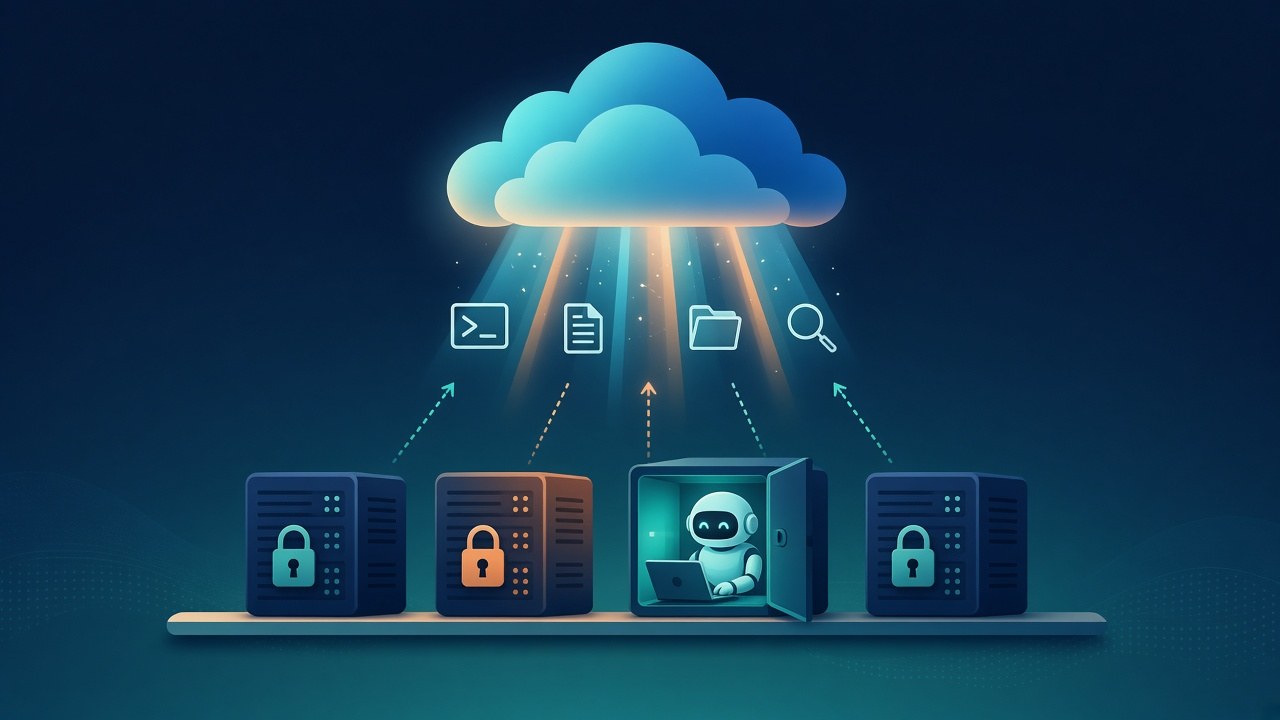
Google now lets developers who build with Managed Agents on the Gemini API run the agents' tools on their own computers instead of in Google's sandbox. "Now you can bring your own sandbox with self-hosted environments," the Google AI Studio account posted on X on Nov. 11.
The change separates the part of an agent that thinks from the part that acts. According to a guide from sandbox provider Daytona, Google's side keeps the agent loop and the model calls, while shell commands and file operations run in a worker the developer operates.
How the split works
Google's documentation describes environments as Linux sandboxes that give agents an isolated place to run code and keep files. By default, Google hosts that sandbox. A self-hosted environment "lets managed agents execute tools inside compute infrastructure you control," the docs say.
The sandbox connects to Google over outbound HTTPS using the open-source Gemini API CLI and "requires no inbound firewall ports," according to the documentation. A developer first creates an environment in self-hosted mode, which returns an ID and a key that Google shows only once. The developer then runs the CLI's connect command inside the sandbox with that key and passes the environment ID when starting an agent task.
The self-hosted guide on GitHub lists the built-in tools that move to the developer's side, including execute_bash, view_file, write_to_file, list_dir and grep_search. Daytona's guide says the file tools are confined to a root directory the developer sets, but execute_bash runs model-generated commands without that limit, "which is why the worker belongs in a sandbox rather than on your own machine."
Partners and deployment patterns
Google's docs link setup examples for Google Cloud Run, Agent Substrate, Cloudflare Sandbox, Daytona, E2B, Fly.io, Modal and Vercel Sandbox. The runtime can also run in Docker or rootless Podman containers, and on a laptop for testing. In local mode, execute_bash runs directly on the host unless the developer passes a flag to turn it off, according to the docs.
For larger deployments, the GitHub guide describes a split mode. A trusted poller holds the API key and leases incoming work, then starts a fresh container for each interaction. Those containers hold "zero API keys," the guide says, and receive only a short-lived token scoped to one interaction.
Daytona recommends that per-interaction pattern for production use with untrusted input, noting that it adds a few seconds of sandbox start-up to each interaction. A single long-running worker suits one user or a development loop, the company says, but the environment key then lives inside the sandbox where the agent's commands run.
What developers give up
Some controls exist only in Google's hosted sandbox. Options for sources, network rules, environment variables and file snapshots apply only to Google-hosted environments, and self-hosted ones reject them with an error, according to the docs.
In the hosted version, Google's docs say, environments have unrestricted outbound network access by default unless a developer sets domain rules. Stored credentials reach the container as placeholders, and an egress proxy swaps in the real secret only on outbound requests to that credential's trusted domains. A self-hosted worker leaves network policy and secrets to the developer's own setup.
Cost also shifts. Google does not bill for hosted environment compute during the preview, according to its documentation, so running tools on outside infrastructure moves that compute bill to the developer or the sandbox provider. Model tokens are billed either way, and Google's docs say a single managed-agent interaction typically uses 100,000 to 3 million tokens.
Managed agents and environments are both in preview, and Google says features and schemas may change. Inactive environments are kept for seven days before automatic cleanup, the docs say.
Source: Google AI Studio on X, “Bring your own sandbox with self-hosted environments”
Additional sources: Google AI Studio docs, “Environments in managed agents”; Gemini API CLI on GitHub, “Gemini API Managed Agents: Self-Hosted Environments”; Daytona docs, “Run Gemini Managed Agents on Daytona”