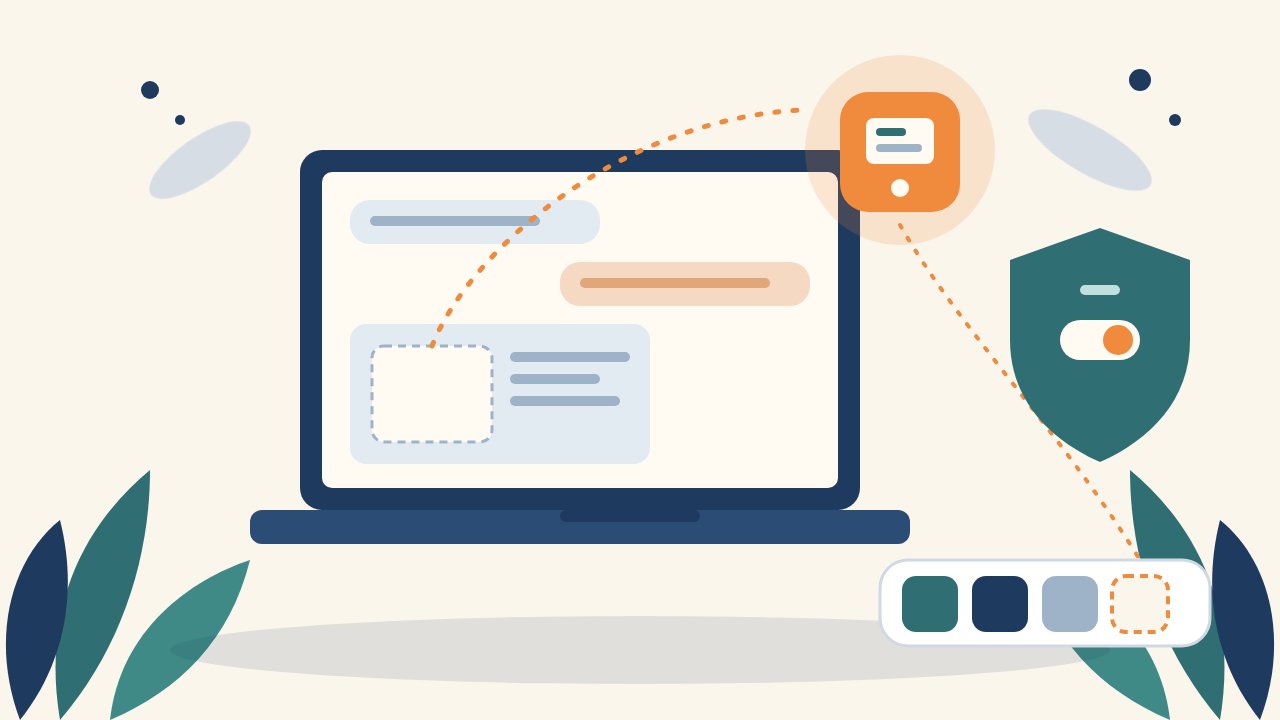
Anthropic has started letting Claude users turn artifacts into standalone desktop apps for Mac and Windows. The Install as app feature launched in beta on November 24 on all Claude plans, according to a product article on Anthropic's Claude website.
Artifacts are the small working programs and pages Claude builds inside a chat. Once installed, an artifact gets its own icon and opens in its own window instead of inside Claude, the company said.
What the apps can do
Each installed app can call Claude and use the person's connectors, the integrations that link Claude to outside services such as calendars and email, according to Anthropic. The app updates on its own when the underlying artifact is edited.
Requests an app makes to Claude count toward the user's plan usage limits, the article says. Users don't need to package or sign the app, and it runs on their Claude account, so there's no API key or separate login.
Anthropic's ClaudeDevs account announced the feature on X the same day. "Ask Claude to build an artifact, click 'Install as app', and open it like any other app," the post said, adding that apps can send notifications or add a menu bar item if the user allows it.
The company framed the change around how people already use artifacts. It said they began as work outputs, like a chart or a webpage, and now serve as everyday tools, such as a meeting prep page that regularly pulls from a calendar and email.
How permissions work
By default, installed apps can only do what they could do in a web browser, according to the article. Apps can also ask for a middle tier that Claude tightly controls, covering features such as always-on-top windows or notifications.
The top tier is full computer access, which lets an app run programs and work with the user's files, including deleting them, without asking each time. Anthropic said people can only grant full access to apps they made themselves or, on Team and Enterprise plans, apps built by people in their organization.
Approval covers only the current version of an app, so Claude asks again after every update, including the user's own edits. The article warns that if part of an app loads from another website, that part can change without a new prompt.
"Anthropic doesn't review apps before you install them, so only give full access to apps you trust," the company wrote.
Who gets it
The feature is on by default for Team plans with full access turned off, and it stays off on Enterprise until an owner enables it, according to Anthropic. Admins on both plans can switch app permissions and full access on or off for their organization.
HIPAA-ready organizations and hybrid deployments can't use it. Users need to be online and signed in to open an app, and some artifact types can't be installed, including Claude Docs and Sheets, the article says.
Early demos
Anthropic listed apps its own staff built with the feature. They include Linnet, a layered image editor, and Tern, a terminal with Claude built in to help and explain commands.
Felix Rieseberg, who builds products at Anthropic, posted his own demos on X on November 24. "No coding skills needed!" he wrote, adding that the apps can use operating system interfaces along with Claude and connectors.
Outside developers noticed quickly. Pieter Levels, an independent developer who runs several online businesses, shared the ClaudeDevs announcement on X on November 25 with the comment "I told you they will eat everything."
To try it, users open an artifact in an updated Claude desktop app and choose Install as app from the Share menu, according to Anthropic.
Source: Claude by Anthropic, Anthropic (company source), “Turn artifacts into Mac and Windows apps”
Additional sources: ClaudeDevs on X, Anthropic's official ClaudeDevs account (company source), “Install Claude artifacts as desktop apps”; Felix Rieseberg on X, Felix Rieseberg, Anthropic (company source), “Build and share Mac and Windows apps with Claude”; Pieter Levels on X, Pieter Levels, independent developer (independent source), “Comment on the announcement”